Chemistry & structure
Nayancode Docking Studio
AutoDock Vina 1.2.7, running in a browser tab.
Molecular docking with AutoDock Vina compiled to WebAssembly: receptor and ligand preparation, box set-up, poses, interactions and small virtual screens.
Free · runs in your browser · nothing uploaded
Overview
What Docking Studio does
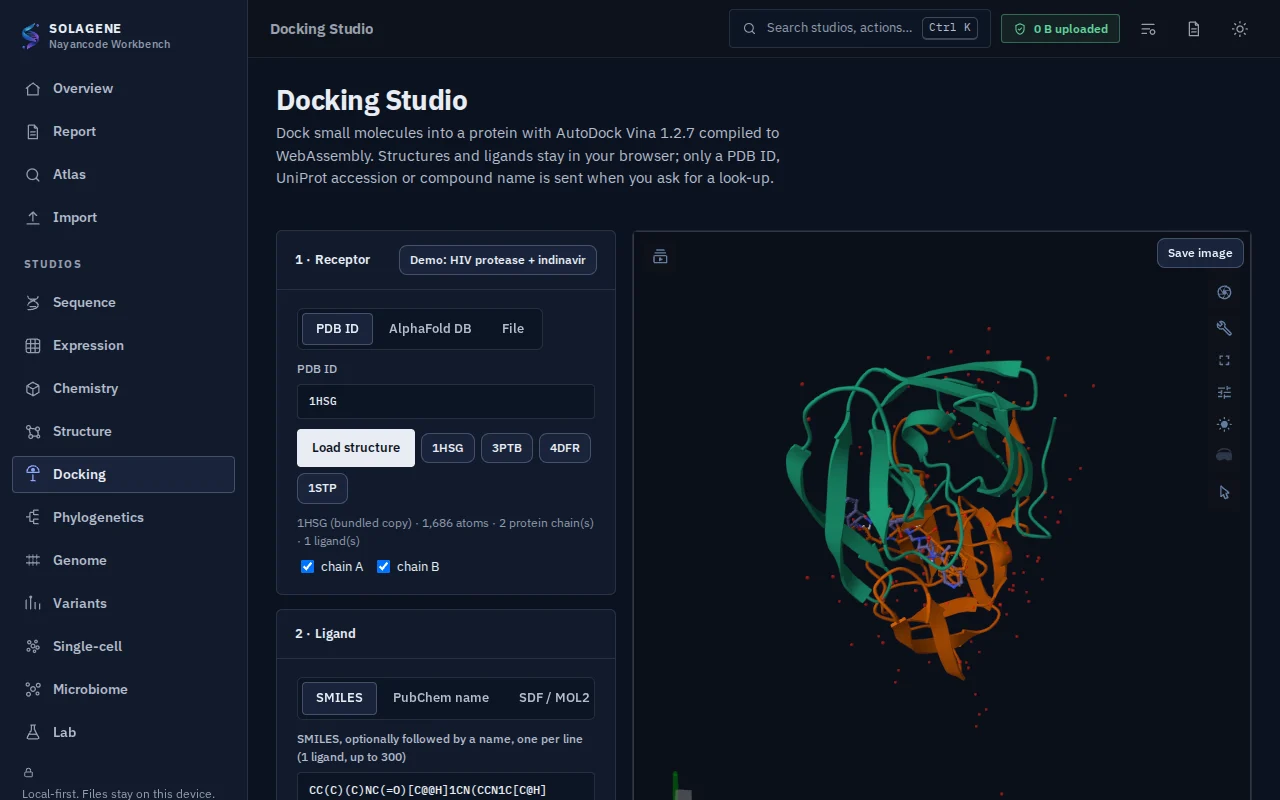
Docking Studio runs AutoDock Vina 1.2.7, compiled to WebAssembly, inside your browser. Load a receptor from the PDB, AlphaFold DB or a file, give ligands as SMILES, SDF, MOL2 or a PubChem name, and the studio prepares both (protonation at pH 7.4, Gasteiger charges, PDBQT, 3-D conformers), sets the box from a co-crystal ligand, residues or coordinates, and docks.
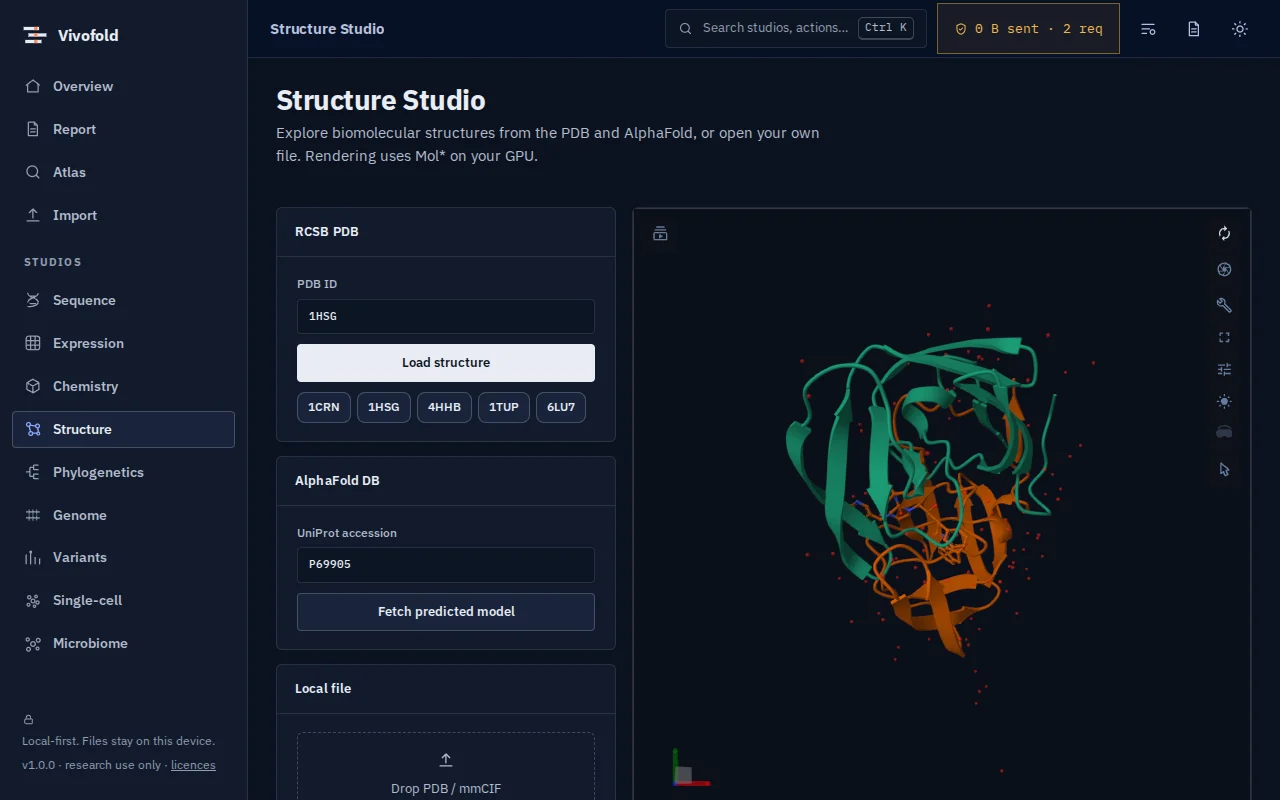
Poses open in a 3-D viewer with an interaction profile (hydrogen bonds, hydrophobic contacts, salt bridges). A redocking benchmark on 42 complexes puts 35.7 % of top poses within 2 Å of the crystal pose, with scores identical to native Vina on the same inputs.
Technical specifications
- Inputs
- PDB ID / AlphaFold DB / PDB or mmCIF file · SMILES, SDF, MOL2 or PubChem name
- Outputs
- Docked poses (PDBQT, SDF) · Affinity table (CSV) · Interaction profile
- Engine
- AutoDock Vina 1.2.7 (WebAssembly, threads when cross-origin isolated) + RDKit + TypeScript preparation
- Platforms
- Chrome, Edge, Firefox and Safari (current versions) · Windows, macOS, Linux and ChromeOS · No installation, no account, no upload
- Limits
- Rigid receptor, one box up to 40 Å, ligands up to 70 heavy atoms and 20 rotatable bonds, up to 300 compounds per screen; scores are estimates, not binding free energies
- Licence
- Free during the public preview; institutional licences on request
Features
Capabilities
Real AutoDock Vina
Vina 1.2.7 in WebAssembly, multi-threaded when the browser allows it; scores match native Vina.
Receptor and ligand preparation
pH 7.4 protonation, Gasteiger charges and PDBQT, from PDB, AlphaFold DB, SMILES, SDF, MOL2 or PubChem.
Box set-up
From a co-crystal ligand, a list of residues or explicit coordinates.
Poses and interactions
3-D pose viewer, affinity table, RMSD to a crystal pose and an interaction profile.
Small virtual screens
Dock up to 300 compounds and rank them, with results exported as CSV and SDF.
Validated
Redocking benchmark on 42 complexes, published with the source code.
Use cases
Who uses it, and for what
- Docking a ligand into a target before ordering compounds
- Teaching molecular docking in a classroom without installing software
- Ranking a small set of analogues against a binding site
Documentation
Quick start
Open Docking Studio
Use the button on this page or the Workbench menu. Nothing to install; works in current Chrome, Edge, Firefox and Safari.
Load data or the demo
Drop in your files (PDB ID / AlphaFold DB / PDB or mmCIF file, SMILES, SDF, MOL2 or PubChem name) or load the labelled synthetic demo to explore safely.
Run and inspect
Results appear as interactive figures and tables; each analysis records its parameters and versions.
Export and cite
Export figures and tables, add them to a report, and copy the auto-written methods paragraph.
Learn the methods with Vedicgen
Courses that use Docking Studio
Talk to us
Request a demo or ask a question
For classroom use, self-hosted deployments, custom studios or support. We reply within two working days.
Public preview: Free
Academic & teaching: Free for classrooms
Institutional & enterprise: On request