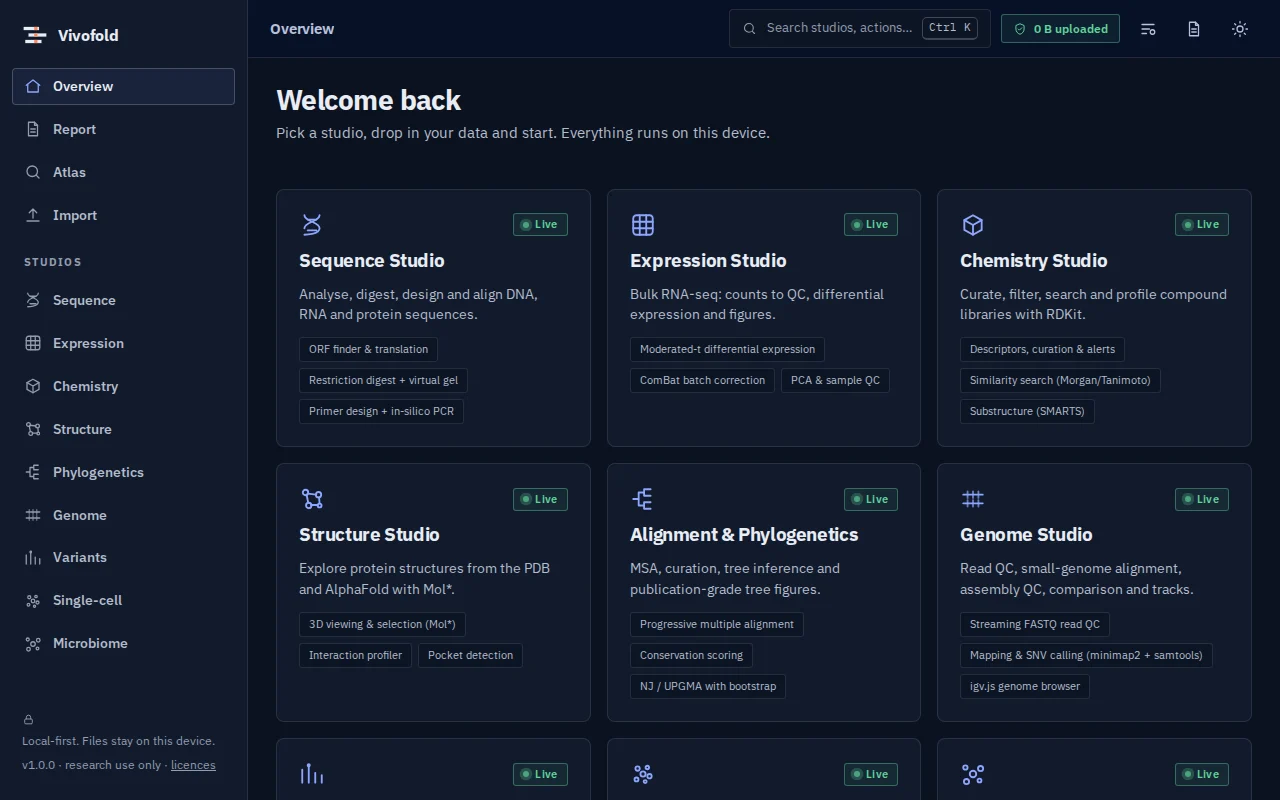
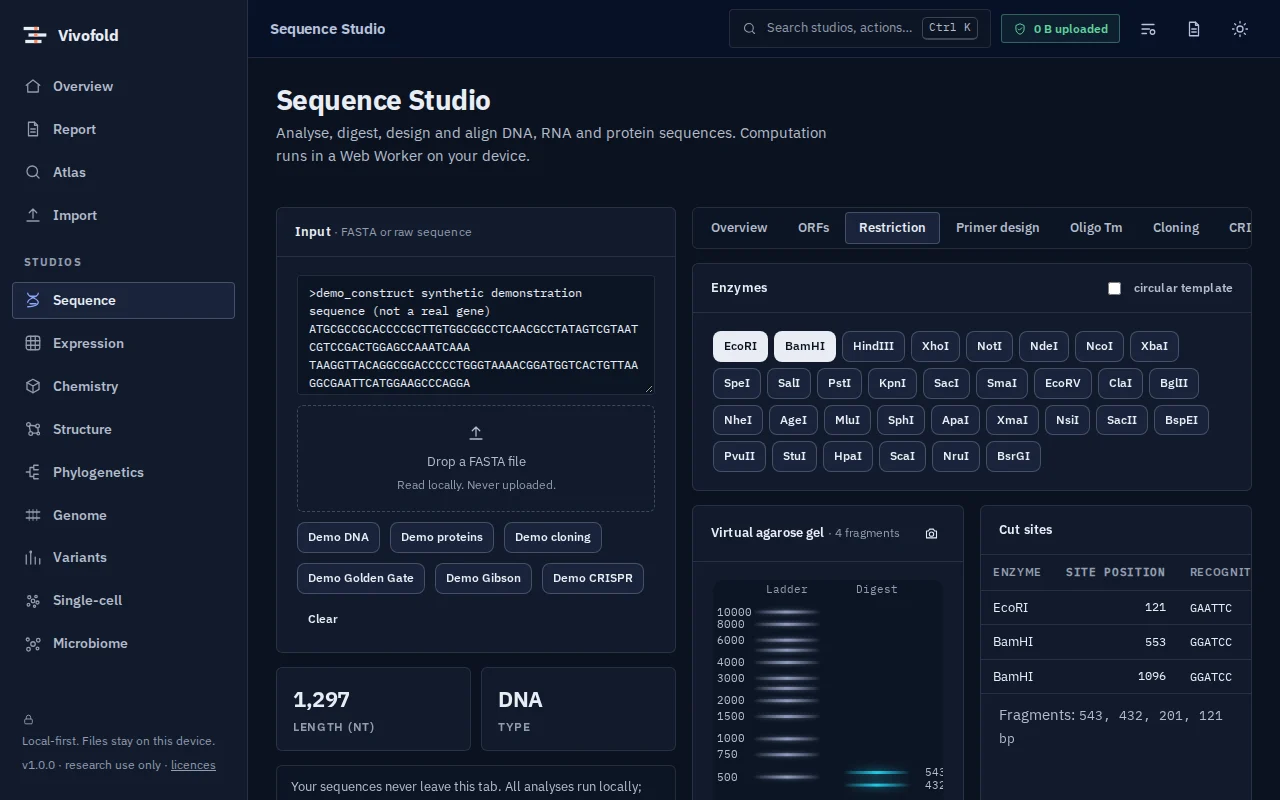
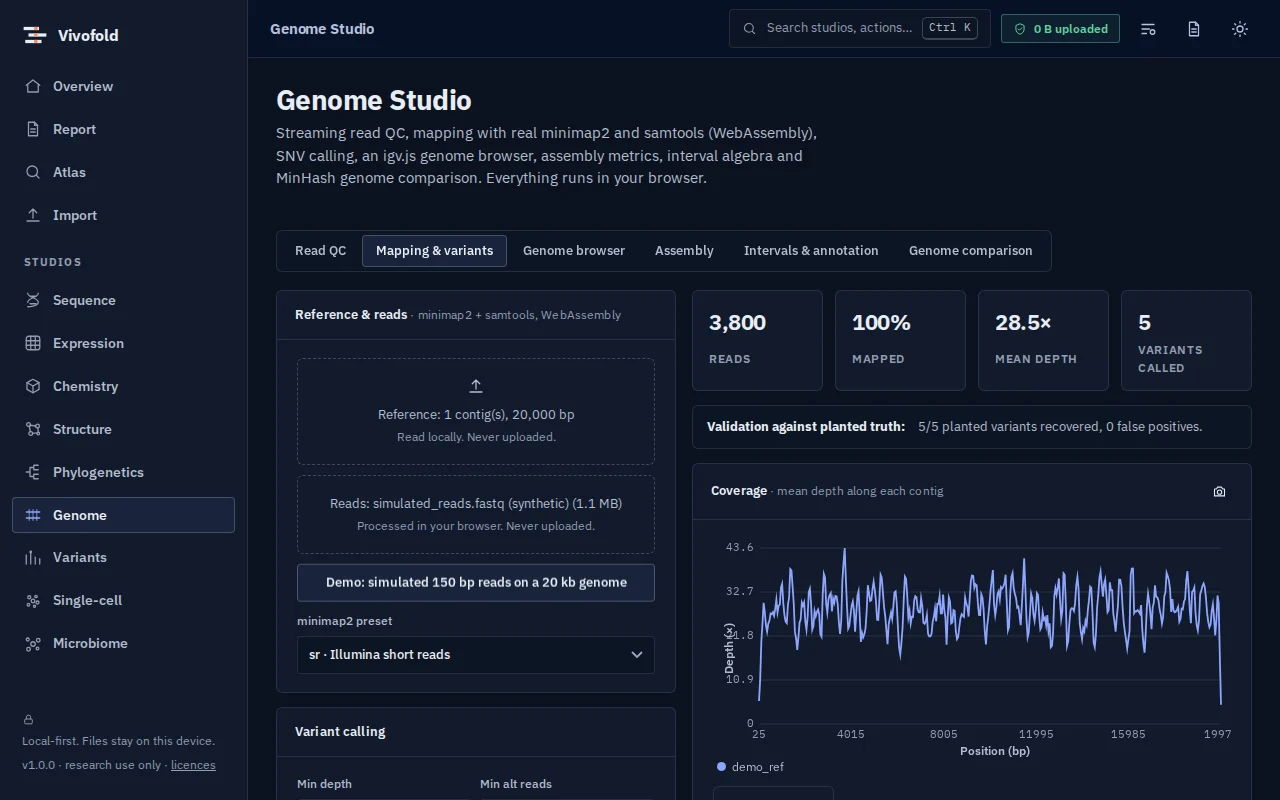
Genomics & transcriptomics
Nayancode FASTQ Read Processing
FASTQ from your disk, cleaned up in your browser.
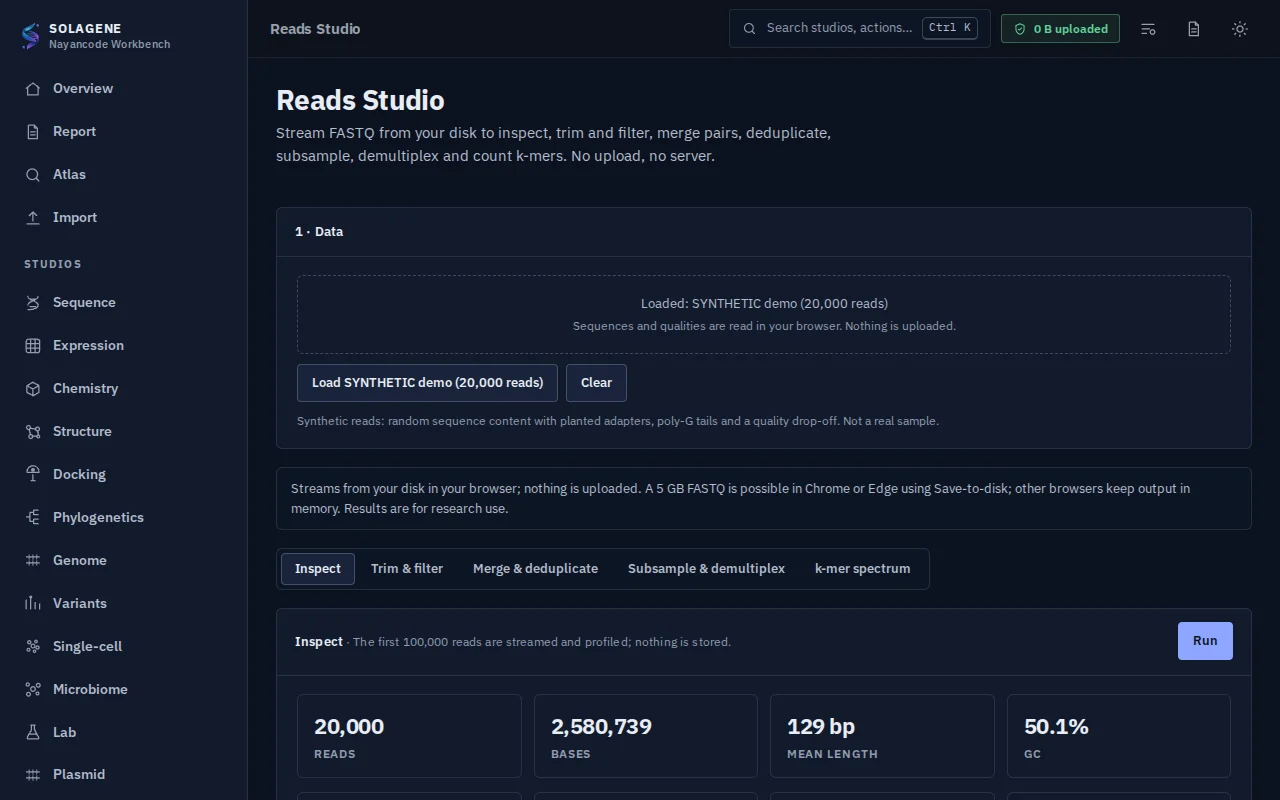
Streaming FASTQ QC and trimming, paired-end merging, deduplication, subsampling, demultiplexing and k-mer spectra, with files that never leave your computer.
Free · your files are not uploaded
Overview
What FASTQ Read Processing does
FASTQ Read Processing streams FASTQ and FASTQ.gz from your disk instead of uploading it. It reports per-read quality, length and GC summaries, then trims adapters, poly-G runs and low-quality tails and applies expected-error, N, length and quality filters. Paired reads are merged by overlap with quality-aware mismatch calls, and read-through adapter sequence is removed.
It also deduplicates exactly, subsamples with a seeded reservoir, demultiplexes by barcode with mismatch rejection, and computes a canonical k-mer spectrum with a coverage-peak genome-size estimate. Small files can be exported from memory; multi-GB outputs are written straight back to disk with the File System Access API in Chrome and Edge.
Technical specifications
- Inputs
- FASTQ / FASTQ.gz (single or paired-end) · Barcode table for demultiplexing · Synthetic 20,000-read demo
- Outputs
- Per-position quality and length summaries · Trimmed or merged FASTQ · Deduplication, subsampling and demultiplexing counts · K-mer spectrum and genome-size estimate
- Engine
- TypeScript streaming kernels in a Web Worker; File System Access API for Save-to-disk
- Platforms
- Chrome, Edge, Firefox and Safari (current versions) · Windows, macOS, Linux and ChromeOS · No installation and no upload; free account for the Workbench
- Limits
- Multi-GB FASTQ needs Chrome or Edge for Save-to-disk; other browsers keep the output in memory. Read-level QC and preprocessing, not a mapper or variant caller. Research use only. Runs in your browser.
- Licence
- Free plan for study and academic research (free account); Lab, Institution and cloud-compute plans for business
Features
Capabilities
Streaming FASTQ
Plain or gzipped FASTQ read in a stream, with explicit errors for malformed or multi-line records.
Trimming and filters
Adapter presets or custom adapters, poly-G, quality tails and expected-error, N and length filters.
Paired-end merge
Longest-overlap merging with quality-aware mismatches and read-through adapter removal.
Dedup and subsample
Exact deduplication and seeded reservoir subsampling with a reported cap.
Demultiplexing
Barcode matching with mismatch tolerance and a count of unassigned reads.
K-mer spectrum
Canonical k-mers, coverage spectrum and a genome-size estimate.
Use cases
Who uses it, and for what
- Checking read quality before assembly
- Trimming adapters from a small FASTQ
- Merging paired-end amplicon reads
- Estimating genome size from a k-mer spectrum
Documentation
Quick start
Open FASTQ Read Processing
Use the button on this page or the Workbench menu. Nothing to install; works in current Chrome, Edge, Firefox and Safari.
Load data or the demo
Drop in your files (FASTQ / FASTQ.gz (single or paired-end), Barcode table for demultiplexing, Synthetic 20,000-read demo) or load the labelled synthetic demo to explore safely.
Run and inspect
Results appear as interactive figures and tables; each analysis records its parameters and versions.
Export and cite
Export figures and tables, add them to a report, and copy the auto-written methods paragraph.
Learn the methods with Vedicgen
Courses that use FASTQ Read Processing
Talk to us
Request a demo or ask a question
For classroom use, self-hosted deployments, custom apps or support. We reply within two working days.
Free: Free
Lab: From ₹4,999 per month, billed yearly (US$119 outside India)
Institution: Quoted
Cloud compute & analysis: Quoted